

Restaurant Workspace
Launch one workspace for your restaurant, staff, and daily operations.
Create the business account, configure the app, invite the team, and keep each restaurant fully separate.

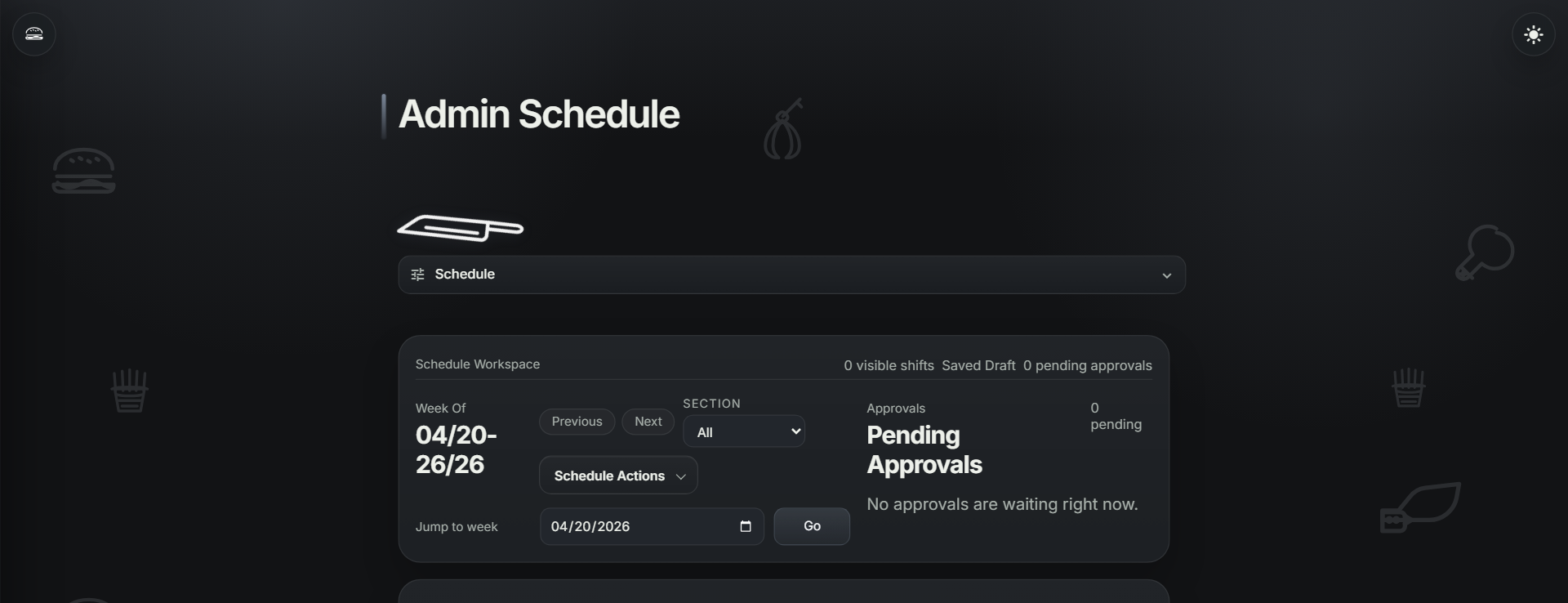
Schedule + Coverage Control Department-aware builder, publish flow, availability, shift offers, swaps, and employee schedule visibility.
Employee Launch Flow Branded invites, account setup, onboarding packet requirements, and admin review in one path.
Execution + Knowledge Workspace Prep, checklists, inventory, orders, recipes, docs, menus, tasks, announcements, and monitoring.
Why Teams Switch
Crimini gives each business its own workspace for setup, employees, scheduling, onboarding, daily execution, documents, menus, and operational visibility.
| Workspace setup || Employee onboarding || Scheduling || Daily execution || Temperature monitoring |
Core Features
Create a restaurant workspace with business profile, branding, feature controls, and isolated business data.
Invite employees, collect profile details, send onboarding packets, and approve completion from admin.
Build multi-department schedules with labor visibility, availability, time off, shift offers, swaps, and approvals.
Run todo, prep, checklists, inventory, orders, and item-level recipe or SOP references from one workspace.
Upload menus, documents, SOPs, handbooks, and recipes so staff can find the right reference quickly.
Give every shift one place for schedules, announcements, specials, tasks, menus, temperatures, and current context.
Prepare for temperature nodes, vendors, history exports, and operational review.
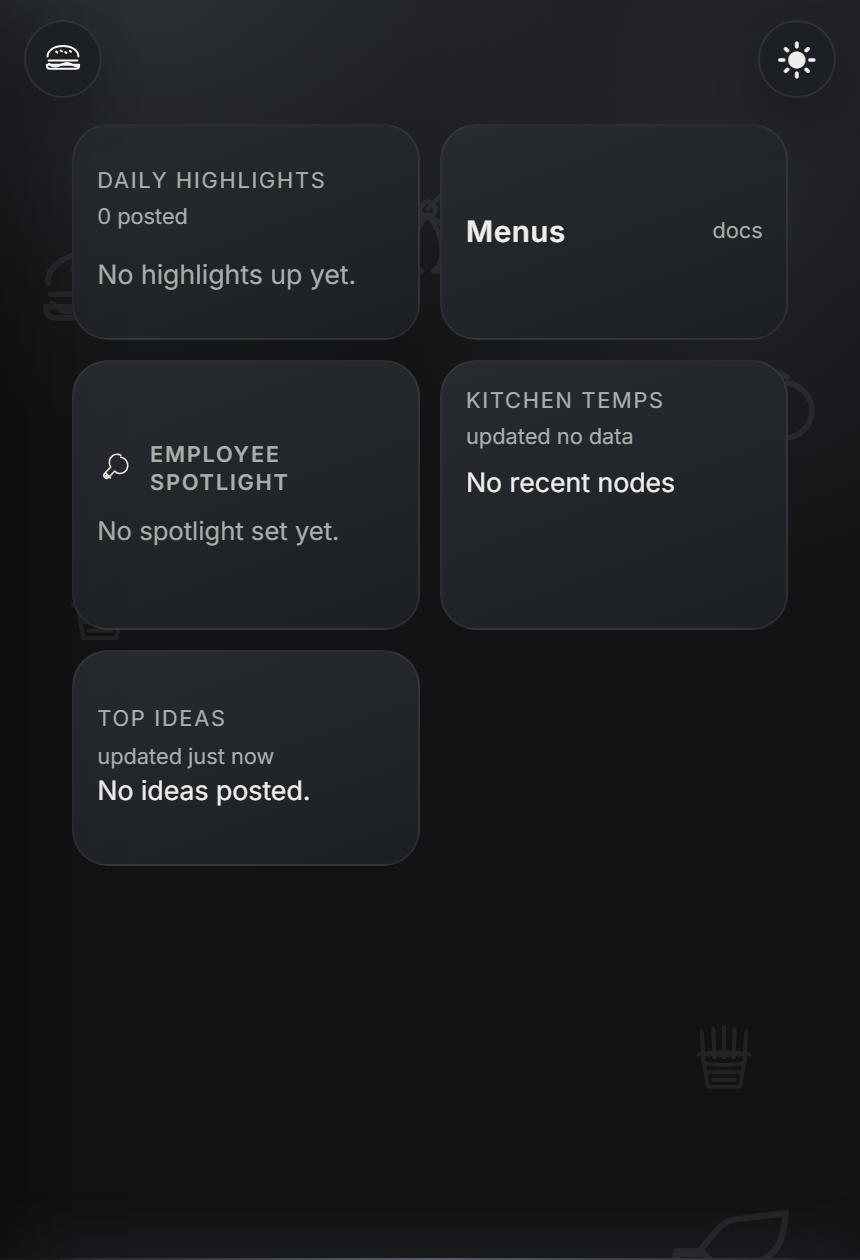
App Preview
How Teams Adopt
01
Register the business, choose the plan path, enter business details, and land in an isolated restaurant workspace.
Start setup02
Set features, departments, roles, onboarding packet, lists, docs, recipes, menus, and scheduling structure.
See feature map03
Employees join through branded invites, complete onboarding, then use schedules, tasks, docs, and daily updates inside the app.
See launch flow"The real win is launching the restaurant workspace once, then keeping staff, schedules, onboarding, lists, docs, and daily updates connected."
General Manager - Launch and daily operations
Create the business, configure the app, onboard employees, publish schedules, and run operations with live visibility.


 Crimini by NNS, LLC
 Google Cybersecurity Certified
 Microsoft Full Stack Developer Certified