


Features
Everything needed to launch and run a restaurant workspace.
Crimini connects business setup, employee onboarding, scheduling, daily execution, knowledge, communication, and monitoring in one operating flow.
Designed for real shift speed
Owners configure the workspace once, managers control the operation, and employees see only the tools and information they need.
| Owner setup || Managers || Employees || Departments || Daily service |
What We Build For
Launch structure first. Daily speed after.
- Each business gets its own workspace, staff, records, schedules, and app configuration.
- Owners can launch with the core setup first, then add modules and hardware as the operation grows.
- Managers run scheduling, onboarding, execution, and communication from one connected admin flow.
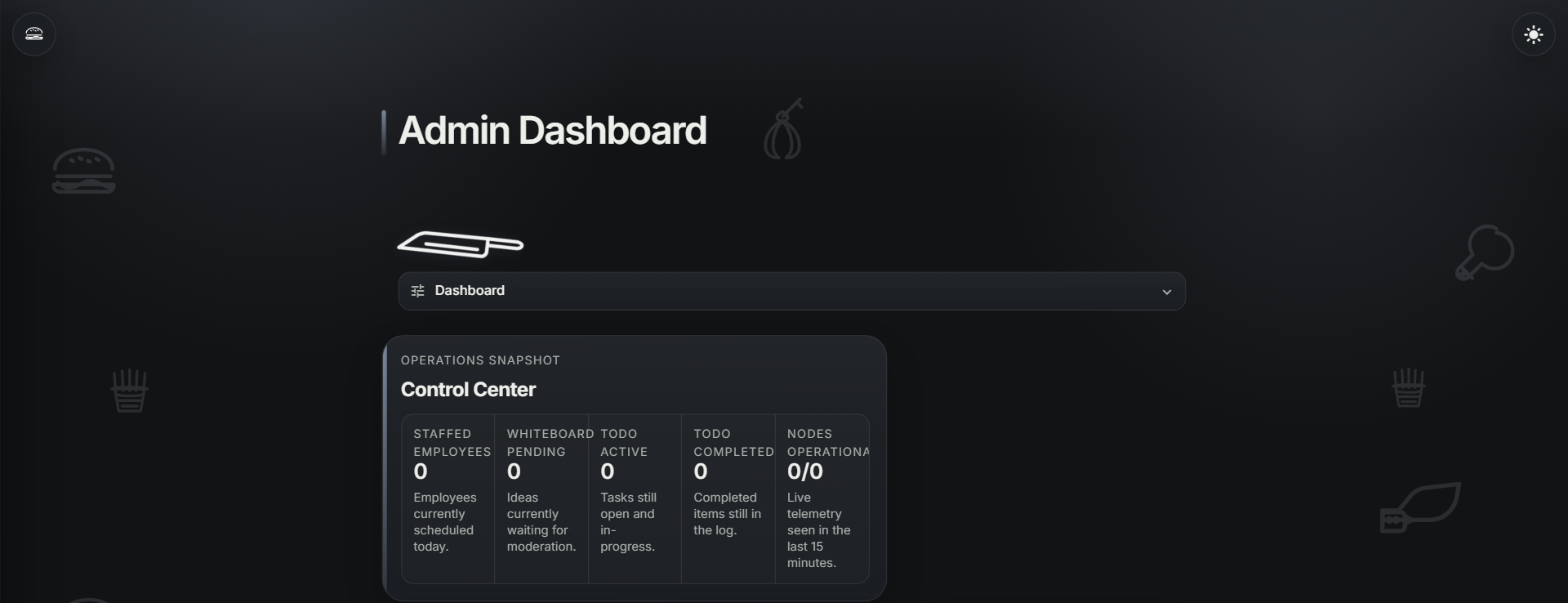
Workspace Setup
Create the restaurant workspace, register the business, set branding, choose visible modules, and keep every business data pool separate.
- Business registry and restaurant display details
- Business logo and app branding area
- Feature controls for modules the team should see
- Tenant-scoped users, records, schedules, docs, and uploads
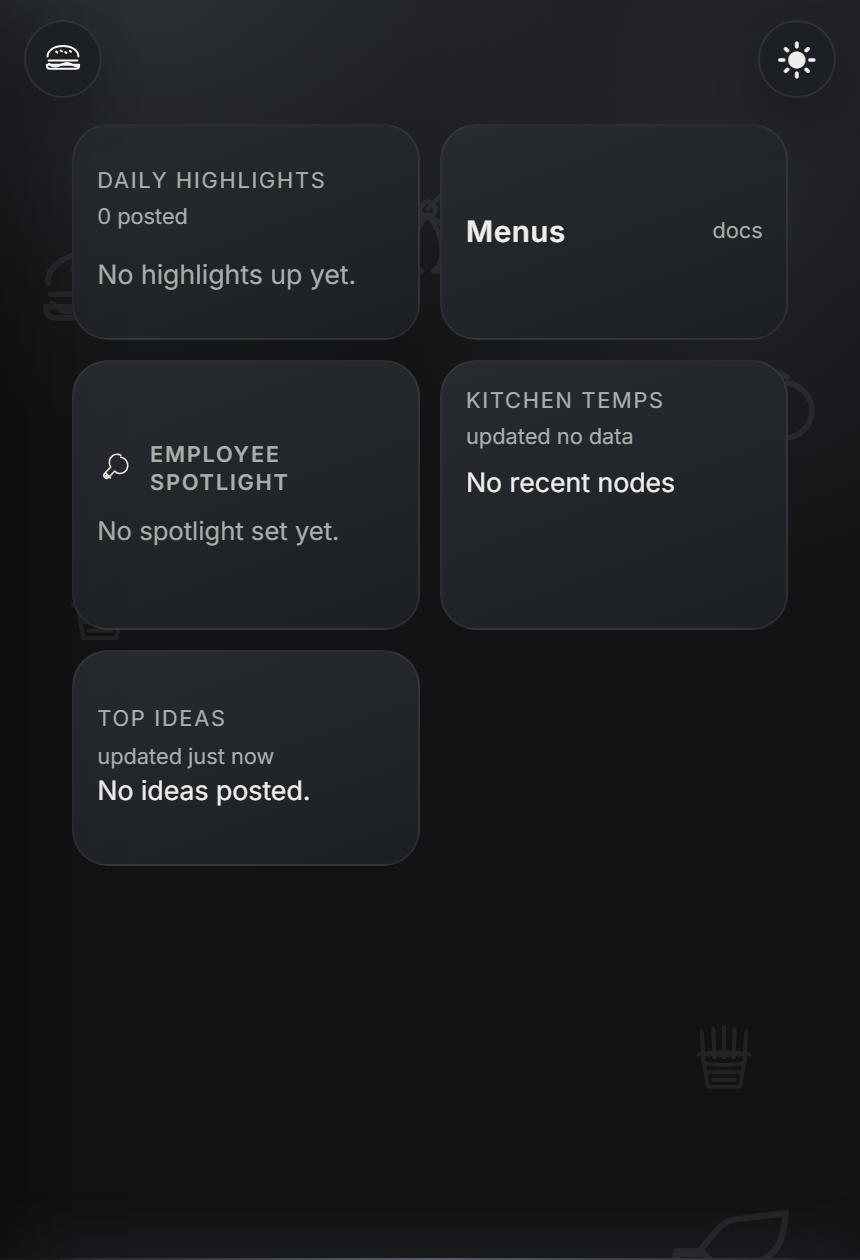
Employee Onboarding
Invite staff into the correct business, collect account setup information, send onboarding packet requirements, and review completion from admin.
- Branded employee invite email
- Employee account setup from invite
- Base packet for profile, emergency contact, payroll setup, I-9, W-4, and acknowledgements
- State withholding slot when business state is registered
- Manager review and employee file history
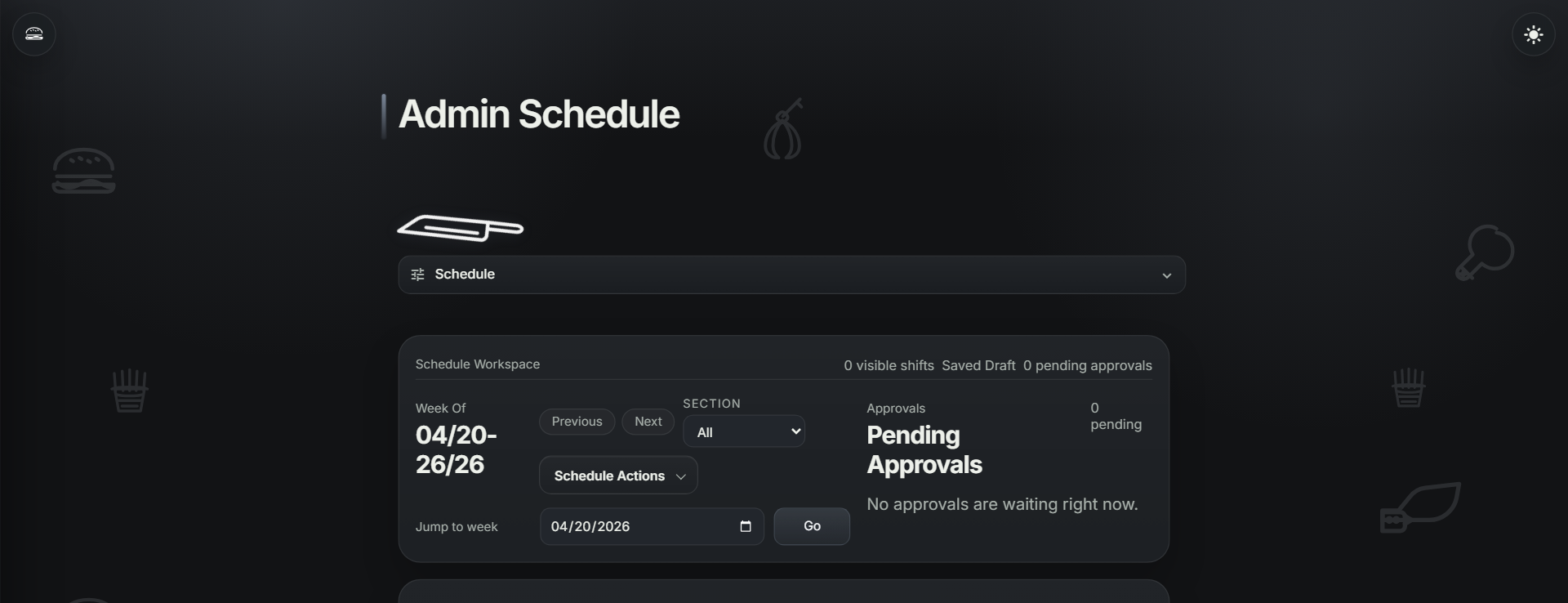
Scheduling + Labor
Build weekly coverage across departments, track labor, publish schedules, and keep employee changes controlled through manager approval.
- Multi-department schedule builder
- Department and role based scheduling
- My Schedule for employees
- Availability and time-off requests
- Shift offers, swaps, and manager approval
- Labor and coverage visibility
Daily Execution
Move prep, checklists, inventory, orders, tasks, recipes, SOPs, and menus into one daily operations workspace.
- Todo assignments and completion tracking
- Prep lists, checklists, inventory, and order lists
- Item attachments to recipes or documents
- Menu uploads and employee menu access
- Recipe categories and SOP/document access
Communication + Monitoring
Keep managers and staff aligned with live homepage context, announcements, specials, whiteboard ideas, vendors, and optional temperature monitoring.
- Announcements and specials
- Whiteboard ideas and voting
- Employee spotlight
- Vendor directory for admin users
- Temperature node monitoring and alert history
- History exports for schedules, prep, inventory, and orders
Capability Map
What is available across plans
| Module | Small | Medium | Large |
|---|---|---|---|
| Business workspace + tenant isolation | Included | Included | Included |
| Business registry + app branding | Included | Included | Included |
| Feature controls | Included | Included | Included |
| Employee invites + onboarding packet | Included | Included | Included |
| Schedule builder + publish | Included | Included | Included |
| Multi-department scheduling | Included | Included | Included |
| Labor tracking + coverage visibility | Included | Included | Included |
| My Schedule, availability, time off | Included | Included | Included |
| Shift offers, swaps, manager approval | Included | Included | Included |
| Prep, checklist, inventory, order lists | Included | Included | Included |
| Recipes, documents, SOPs, menus | Included | Included | Included |
| Announcements, specials, whiteboard | Included | Included | Included |
| Vendors + history exports | Included | Included | Included |
| Temperature monitoring | Add-on | Add-on | Add-on |
Ready to replace disconnected tools?
Launch one workspace for onboarding, schedules, prep, documents, communication, and daily execution.